
Access
Accessibility
A clinic website that a blind or mobility-impaired patient cannot use belongs to a clinic that has decided which patients it wants. We would rather not be that clinic.
Last updated: September 20, 2026
What we built it to
This site targets WCAG 2.2 level AA. In concrete terms, that means:
- Every interactive element can be reached and operated with the keyboard alone, and the focus ring is visible
- Dialogs keep focus inside, close with Escape and return focus to the element that opened them
- Text and interface colors have been checked for contrast against their background
- Images that carry meaning have alternative text; decorative images are hidden from screen readers
- Animation is switched off entirely for visitors whose system requests reduced motion
- Video is user-initiated — nothing autoplays, and nothing makes a sound unless you ask it to
- The consultation form is fully labeled and reports errors in text, not by color alone
Where we know we fall short
The procedure videos do not yet have captions or audio description. Captioning the twelve-part series and publishing transcripts is the biggest open accessibility gap on this site, and it is being worked on.
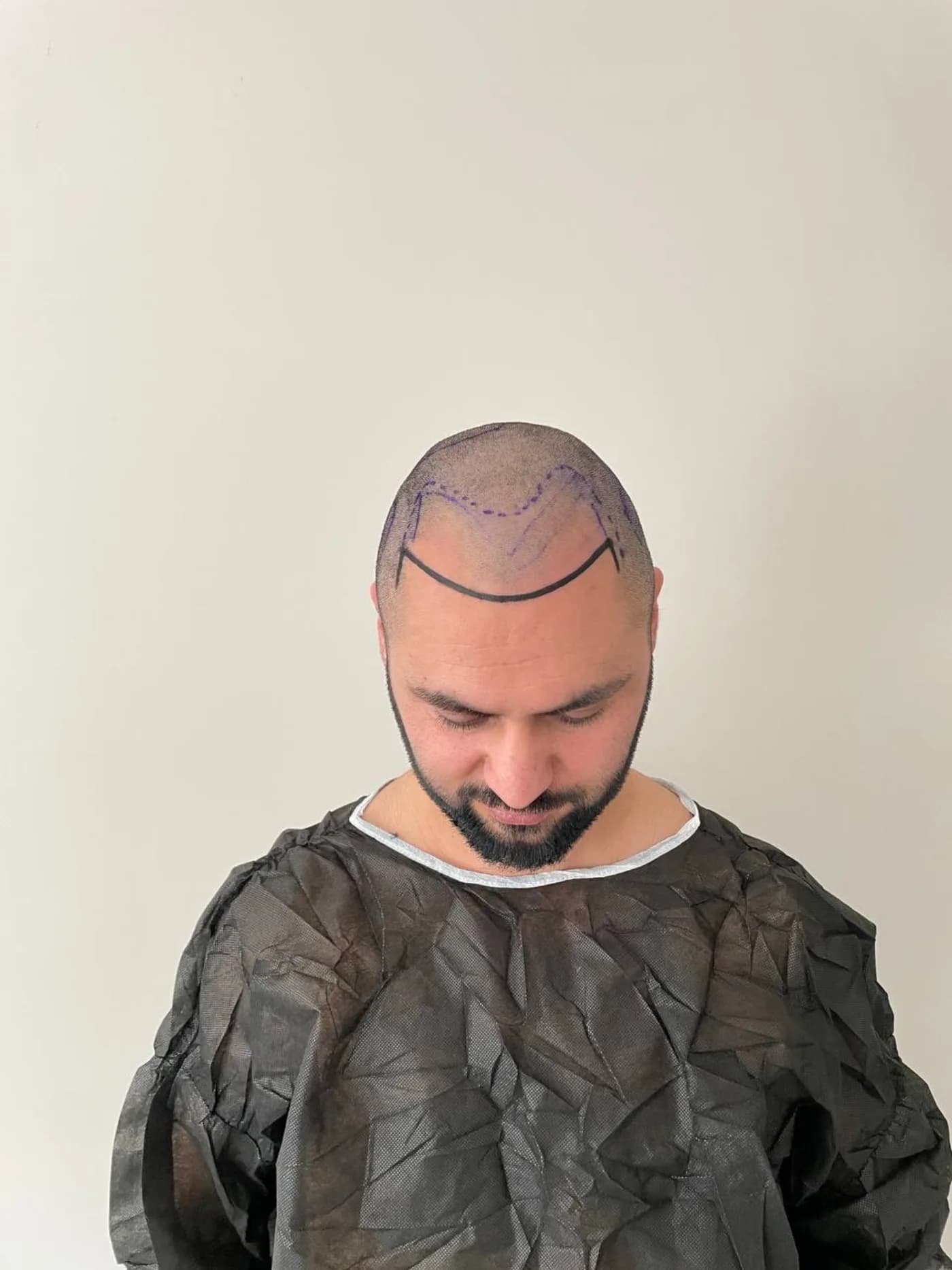
Before-and-after photos are described in alternative text by graft count and treated area; this conveys the facts but not the visual impression. We have not found a better solution for a purely visual medical comparison.
How the site is built to be used
Every interactive element on this site can be reached and operated with the keyboard alone. The Tab key moves through the page in the order the content is written, focus is always visible as a high-contrast outline rather than suppressed for aesthetic reasons, and Escape closes any open dialog.
Dialogs — the consultation wizard, the video player, the results viewer — keep focus inside while open, return focus to the element that opened them when closed, and are announced with an accessible name. The main navigation, including its drop-down panels, is fully keyboard operable.
- Headings follow a single logical hierarchy on every page, so a screen reader user can navigate by structure rather than reading everything.
- Images that carry meaning have descriptive alternative text; purely decorative images are hidden from assistive technology rather than announced as noise.
- Form fields have real labels, and validation errors are announced rather than shown only as a color change.
- Color is never the only way information is conveyed — status, errors and emphasis always carry a text or shape cue as well.
- Body text meets or exceeds the WCAG 2.2 AA contrast ratio of 4.5:1 against its background; large text meets 3:1.
- The layout reflows without horizontal scrolling down to a width of 320 pixels and remains usable at 200% browser zoom.
- Motion respects the operating system's reduced-motion setting: when it is on, animations are actually removed rather than merely shortened.
- Tables that carry data use real table markup with header cells, so their structure is exposed to screen readers.
The standard we aim for
The target is WCAG 2.2 level AA. It is the level most public-sector and healthcare accessibility requirements refer to, and this site has been designed, reviewed and tested against it — with automated checks during development and manual keyboard and screen reader testing on the most important templates.
We describe this as a target, not a certification. No automated tool can verify conformance on its own, and a claim of full conformance from a clinic that has not commissioned an independent audit would be exactly the kind of unverifiable statement this site avoids elsewhere.
Accessibility of the clinic itself
This statement covers the website. Physical access to the clinic — parking, the entrance, access to the treatment room and any arrangement you need to attend an appointment comfortably — is a separate question, and one we prefer to answer individually rather than in general terms.
If you have access needs for an appointment, tell us when you book. That includes mobility requirements, a companion who needs to be with you, interpretation, or anything else that would make the day work.
Assistive technologies we test with
Templates are checked with keyboard-only navigation, at 200% browser zoom, at a 320-pixel viewport width and with the operating system's reduced-motion setting turned on. Screen reader behavior is checked with VoiceOver on macOS and iOS, the combination we have available; we do not claim to have tested every reader on every platform.
If you use a technology we have not tested and something on this site does not work with it, that is exactly the report we want. A specific description — the page, the technology, and what happened instead of what you expected — lets us fix the actual defect instead of guessing.
Tell us when something doesn't work
If any part of this website blocks you, message us on Instagram (@azrak_hair) and tell us what happened and what you were using. We will fix it, and in the meantime we will give you the same information through whichever channel works for you.